 My Shelf Nook
A cozy nook for every book you love.
My Shelf Nook puts the books you read and listen to on bookcases you'll actually want to look at, with an ebook reader, an audiobook player and read-along built in. Your shelf, your notes and your place in every book follow you from phone to computer.
Invite-only, for family and friends.
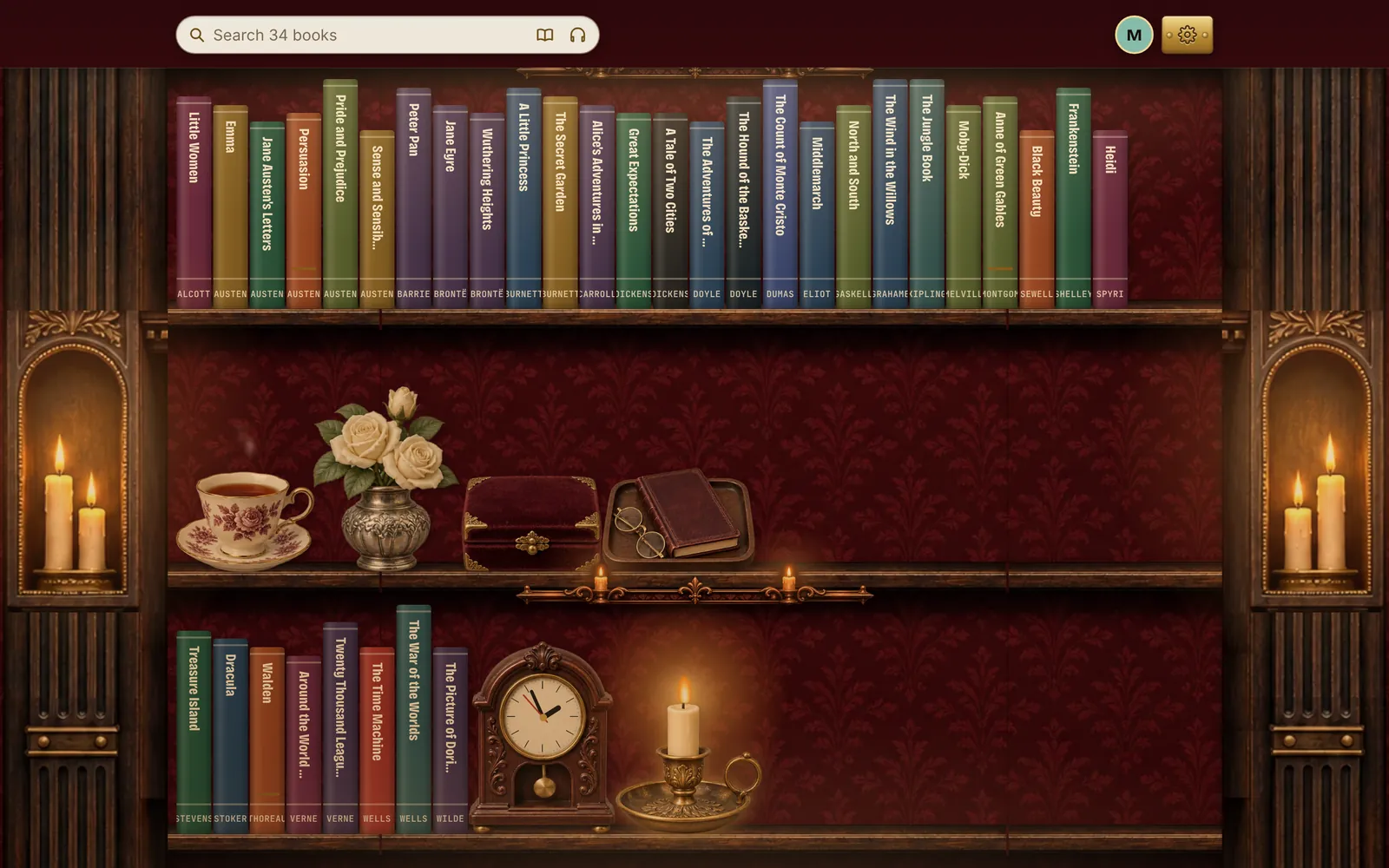
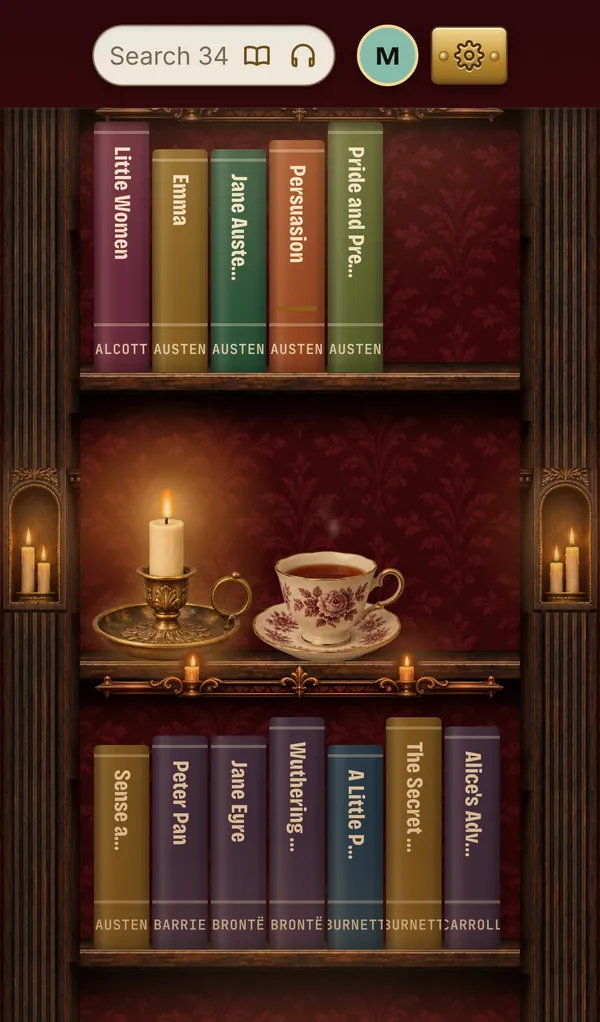
A library that feels like a room, not a spreadsheet.
Keep track of everything you've read, are reading, and want to read, and enjoy looking at it.
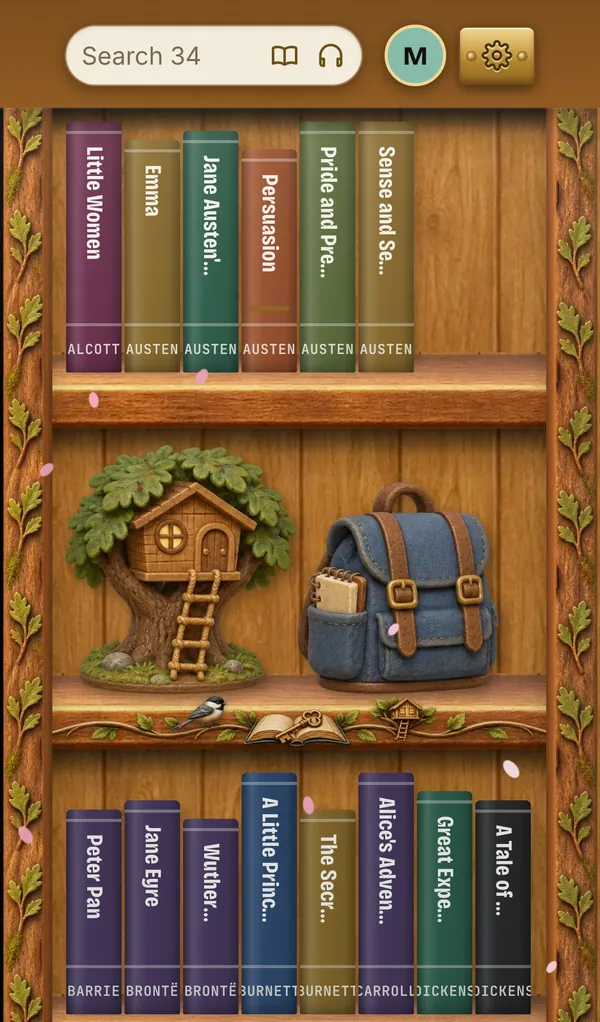
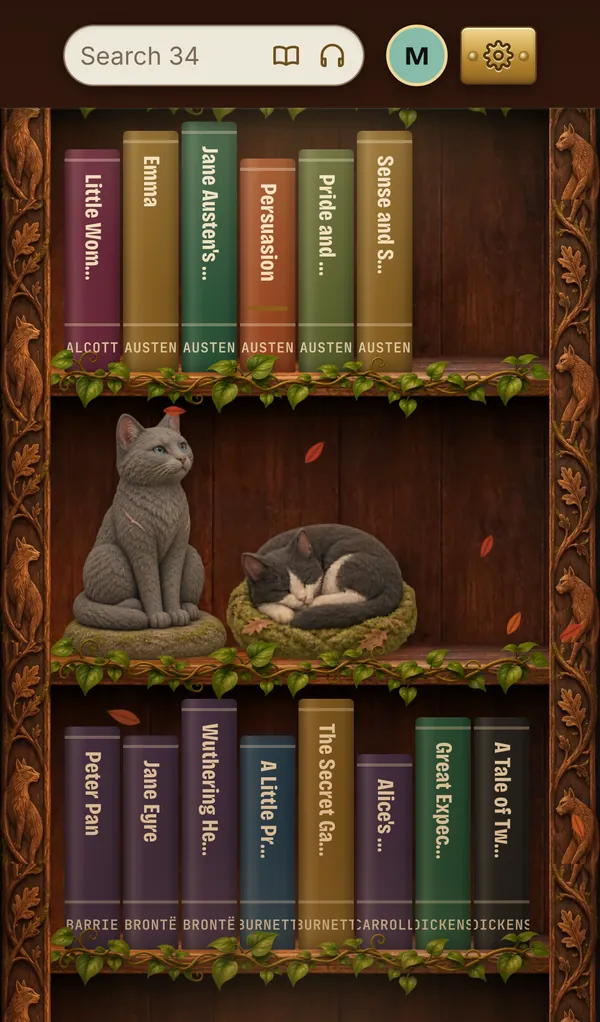
Dress your shelves to suit you.
Choose from more than thirty bookcase styles and seventeen themes, from a Victorian parlour to a treetop hideaway. Add trims, garlands and little objects between the books.
The shelves come alive when you touch them: candles you can blow out with your breath, lamps that switch on, a snow globe that swirls, and a breeze when you swipe across the shelf.
- Spines or covers, sorted however you like
- Seasonal touches that change through the year
- A public link to show off your shelf, without your notes
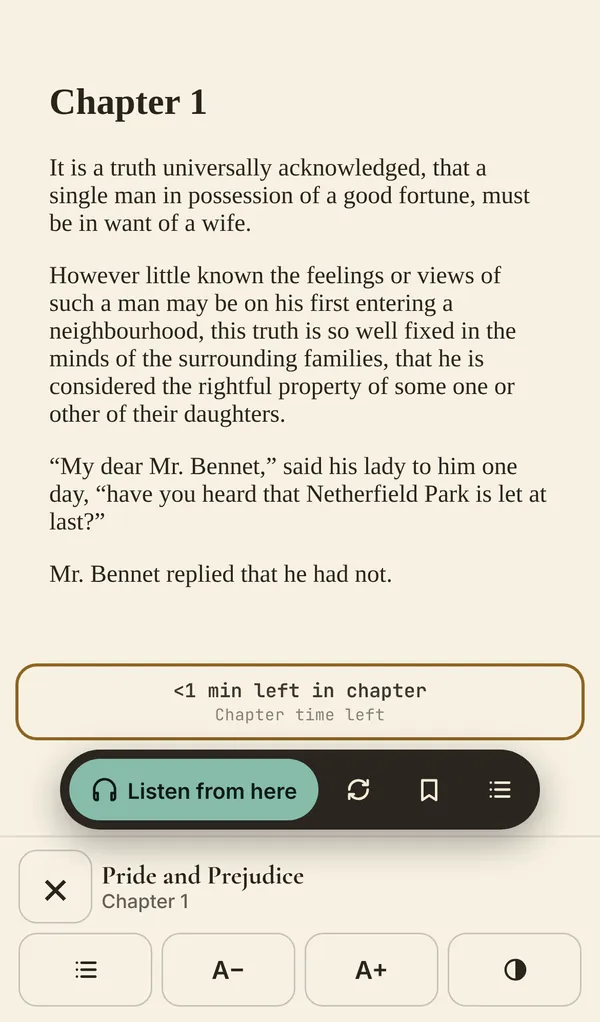
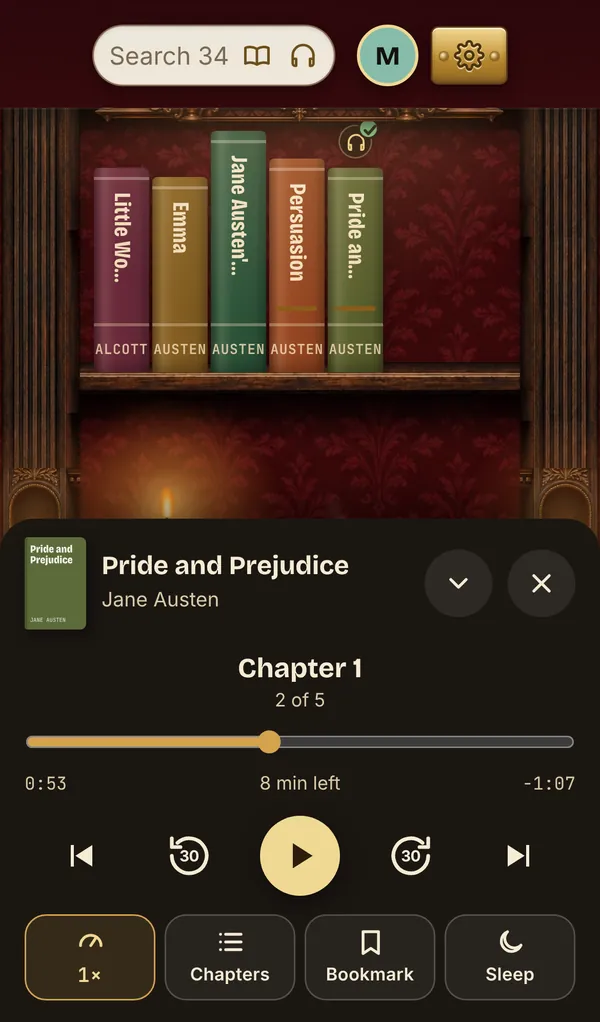
Your ebooks and audiobooks, in one place.
Open EPUB, PDF, comic and DRM-free Kindle files right in the app, and play audiobooks with their real chapter names, speed control, bookmarks and a sleep timer.
When a book has both, turn on read-along: the page follows the narrator and highlights the sentence being read. Stop on your phone and pick up on your computer, right where you left off.
- Drop in files, even whole audiobook folders
- Free classics to start reading straight away
- Bring your Audible and Kindle lists along
Made for the way families read.
On every device
Phone, tablet and computer share one library. Add it to your home screen and it opens like an app.
Profiles for everyone
Each person gets their own shelf and reading progress, with age limits for children's profiles.
Stats and goals
Set a yearly goal and watch it fill: books finished, pages, listening hours and your reading streak.
Notes and highlights
Keep notes, quotes and bookmarks with each book. They stay private to you.
Smart details
Covers, authors, series and page counts are filled in for you when you add a book.
Private by default
Invite-only accounts. Nobody sees your library unless you share a link.
Three steps to your own nook.
Ask to join
Leave your name and email below. The library's owner gets your request.
Get your invite
Once you're approved, an email arrives with a link to your new shelf.
Set it up
Pick a name and password, choose a bookcase, and add your first books.
Step into your nook.
Already have an account? Sign in with your password, or get a sign-in link by email. New here? Ask to join and you'll hear back by email.